Using Podman with GPU intensive containers
While troubleshooting issue with Docker CLI (macOS) API version compatibility with newer versions of Podman, I have learned that the default Podman machine (a.k.a Podman engine) that I am running is over 16 months old. While updating Podman machine (actually creating new Podman machine) didn’t make the original problem go away, I learned something new through this process, which I want to document here, because it seems not too many Podman users are aware of this (yet! and it’s 2026).
Ok, so first I deleted “default podman machine” and I was ready to create new one in Podman Desktop UI. Settings > Resources > Create new …
But then I noticed this warning:
There is an problem finding ‘krunkit’ binary. Try to install it manualy, or install Podman from installer.
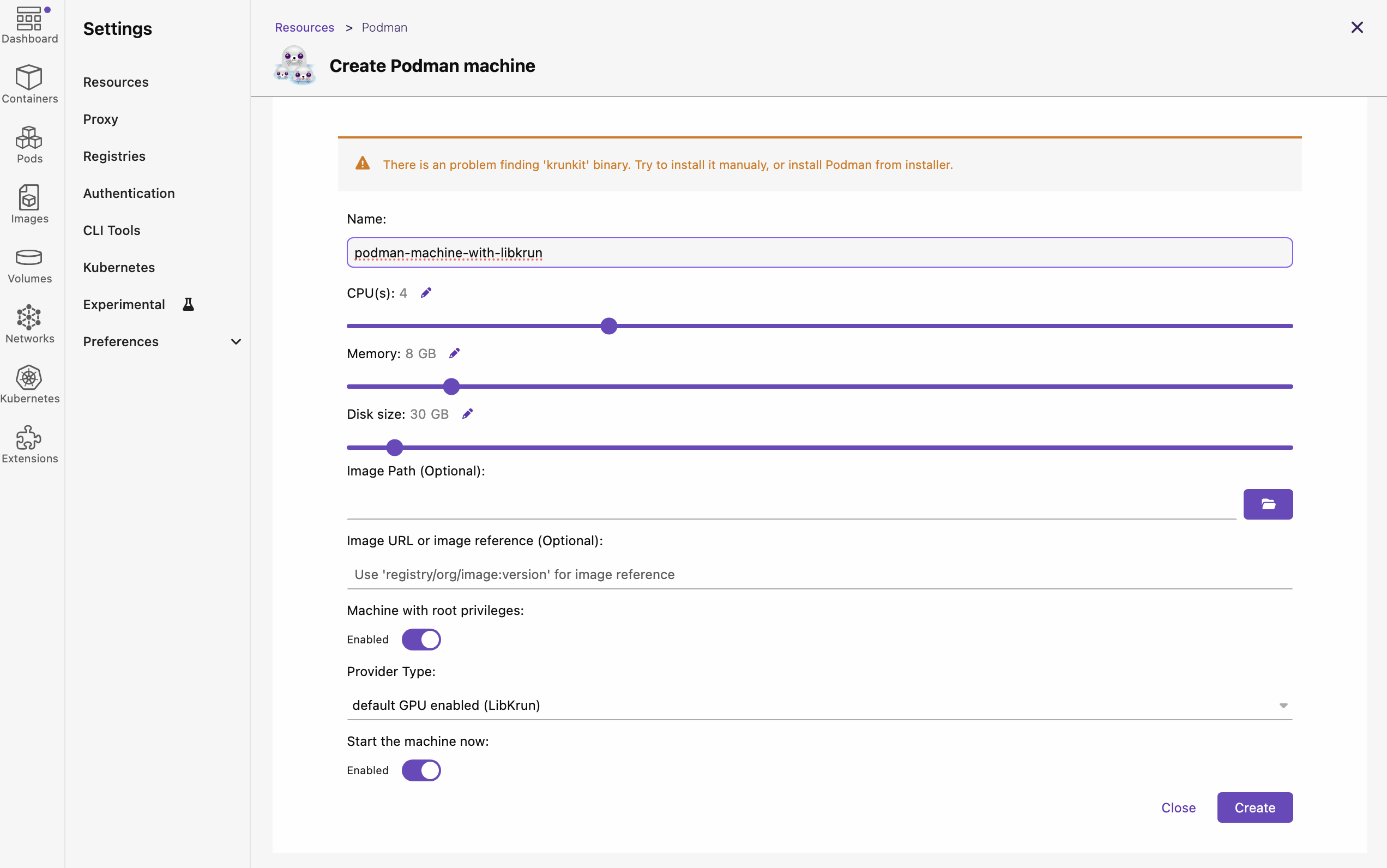
So quick googling about what this means and I learn that (starting versions 5.2.x of Podman) besides Apple Hypervisor (applehv), which relies on Virtualization.framework, they now allow to use alternative provider (meaning, virtualization provider) for macOS. That alternative provider relies on customizations on top of Hypervisor.framework, which is lower level API (than Virtualization.framework) from Apple.
“AppleHV” (short for Apple Hypervisor) refers to the native virtualization framework built into macOS, allowing software to run virtual machines (VMs) and containers directly on Apple hardware and it is default provider (for Podman engine virtualization) on all platforms other than Apple Sillicon. Some of the things it provides are:
- Native Virtualization: It provides a low-level, native way to manage virtualization, often using Apple’s
Virtualization.framework. - Podman Usage: AppleHV is commonly used as the backend provider for Podman Machine on macOS (especially with Podman v4.9.1+ and v5.x). It is often used in combination with tools like
vfkitto create and run Linux virtual machines. - Performance (Rosetta): On Apple Silicon (M1/M2/M3 chips), AppleHV supports Rosetta 2, allowing for near-native speed when running x86_64 containers on ARM hardware.
- Alternatives: It is the modern alternative to QEMU, which was previously the standard, often providing better performance.
While Apple Hypervisor is still great on Apple Sillicon Macs for “cookie cutter” containers that mostly just need CPU, those who want to leverage GPUs on their Mac (e.g. to run LLM models through Docker/Podman) might want to take advantage of this alternative provider.
The alternative provider relies on two important things (also prerequisites to be able to use this provider when creating new Podman machine):
- containers/libkrun - a dynamic library that allows programs to easily acquire the ability to run processes in a partially isolated environment using
KVMVirtualization on Linux and HVF on macOS/ARM64. - containers/krunkit - is a tool to launch configurable virtual machines using the
libkrunplatform.
The latter of the two is required in order to be able to run Podman machines with this new alternative provider.
The installation was very simple.
1 | brew tap slp/krunkit |
Restarting Podman Desktop and going to Settings > Resources > Create new… this time didn’t show the warning, which is signal that it properly detected libkrun and krunkit. However, first attempt to create Podman machine wiht “default GPU enabled (LibKrun)“ as a provider, didn’t work out as expected.
The machine got frozen in “Currently starting up“ stage forever. I had to force remove it, reboot and re-create podman machine.
1 | # Delete stuck machine |
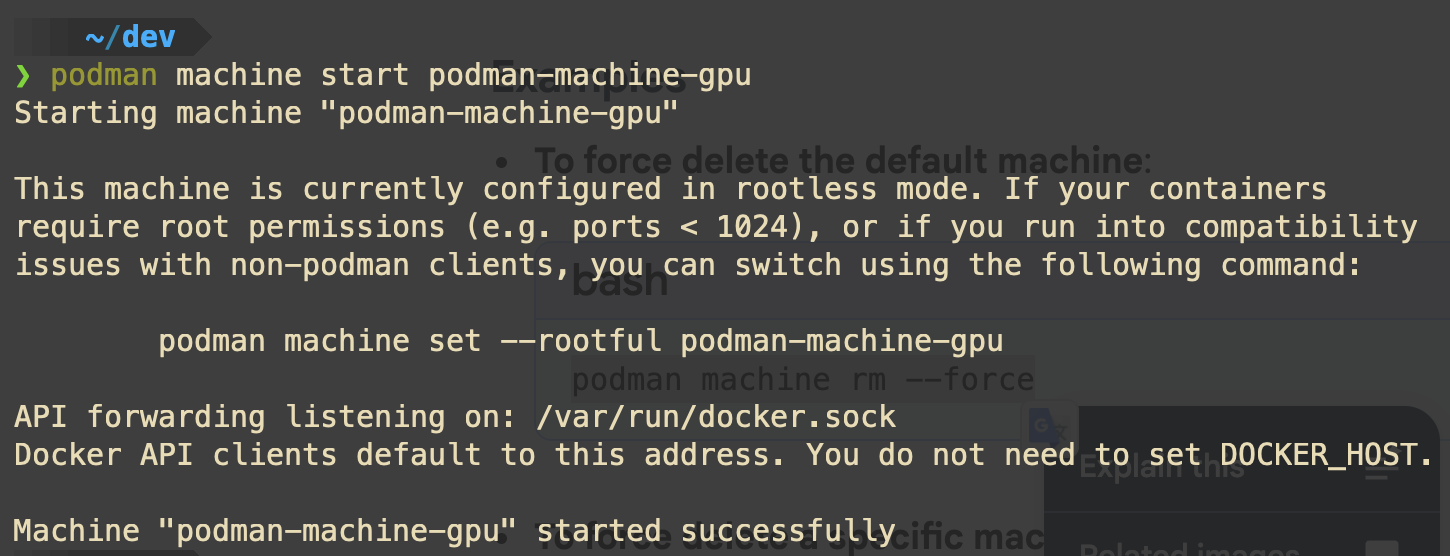
After this, I was able to see that machine is running and it is using libkrun for VM provider.
1 | podman machine list |
So now, I am ready to try out some LLM models loaded via Docker/Podman. This will be exciting, because up till now, I ran most local models via ollama and LM Studio.